 TradingAlpha
 Open Live
Choose Live from the AlphaX navigation. The link can indicate an upcoming broadcast or a session currently on air. The Live page can also show an idle state when nothing is scheduled or broadcasting.
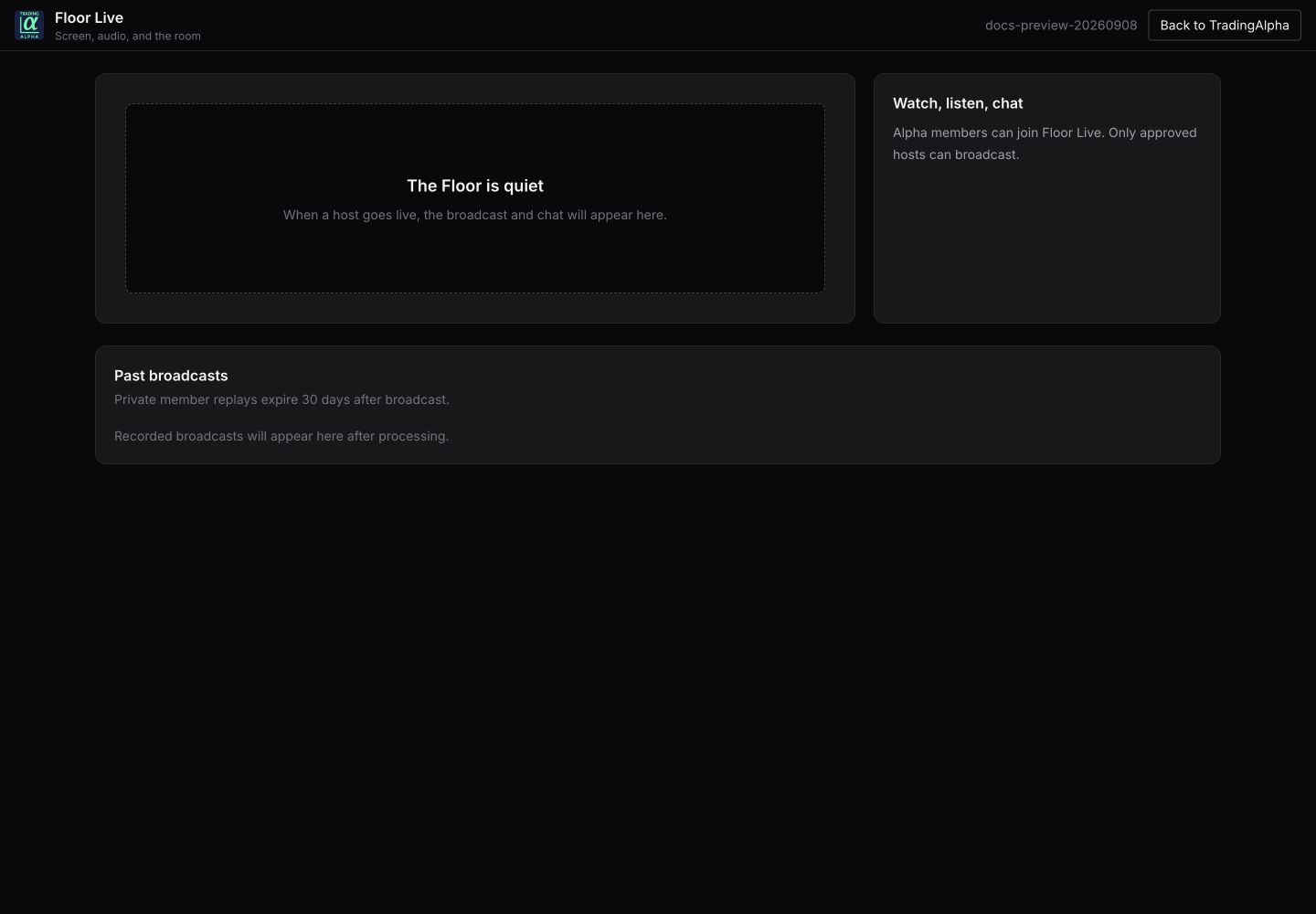
The live member page captured between broadcasts. An idle player is not a playback failure.
Watch a session
Open the available broadcast and use the player controls. Start playback manually if your browser blocks autoplay, and check mute/volume if video plays without sound. Use fullscreen when you want a larger chart view.
Chat is available when the session provides it. Messages sent to session chat are shared with its audience; do not put account or payment details there.
Replays
Use a listed replay when available. A replay may still be processing after a broadcast, or replay access may not be enabled. Do not assume every session will have a permanent recording.
Playback trouble
Check that you are signed in, refresh an expired session, and try starting playback again. If other app pages work but a live feed does not, send support the broadcast title and time of the problem. Do not share a private playback URL or access token.